Why Is Your Website Indexed but Not Ranking? 12 Proven Fixes (2026 Guide)
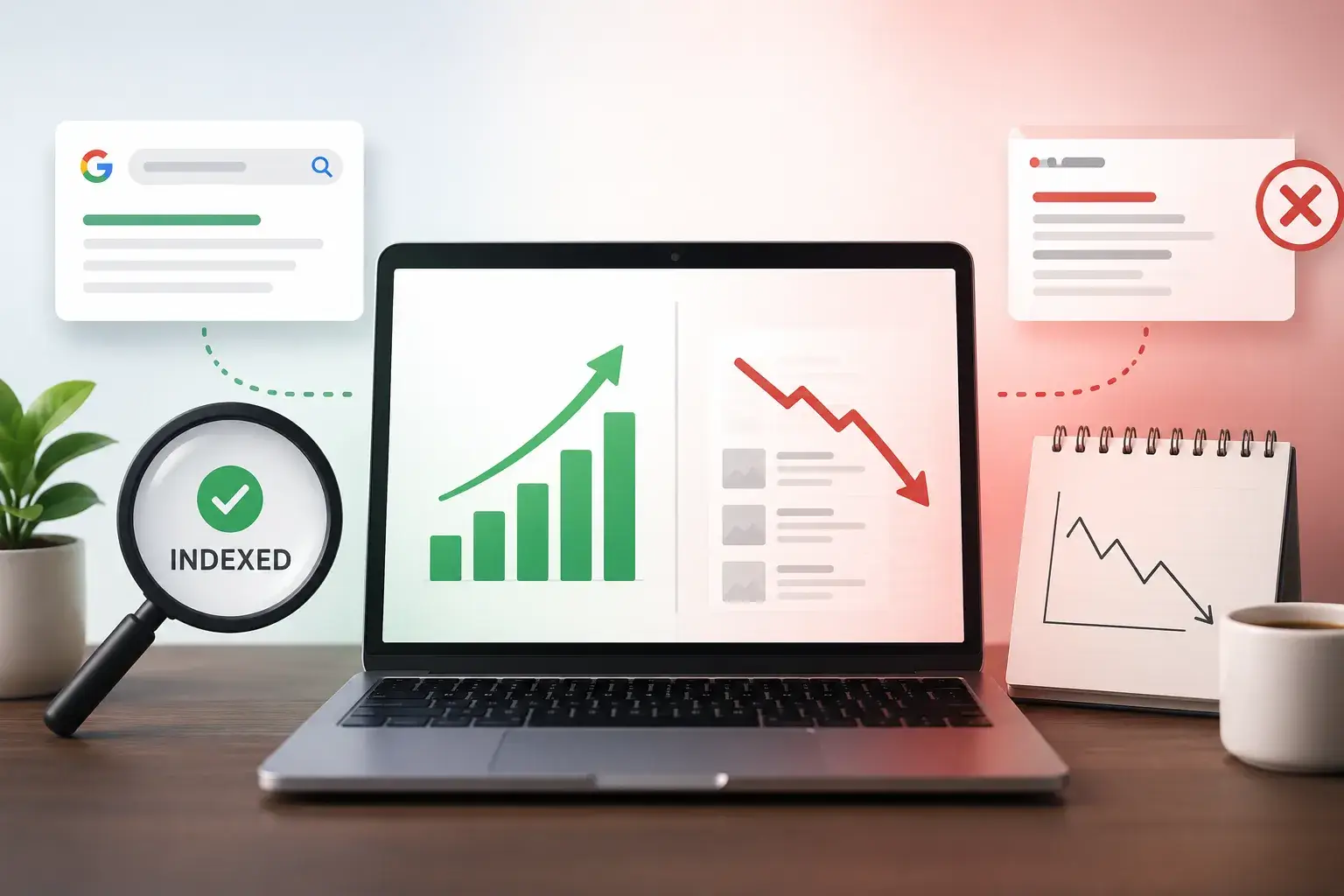
You checked. It’s indexed. Google even shows it when you search site:yourdomain.com. So why does it feel like your page is shouting into a canyon with nobody around?
Here’s the thing nobody tells you upfront: getting indexed just means Google knows your page exists. It doesn’t mean Google thinks your page deserves to beat the 50 other pages competing for the same search. That’s a completely different fight, and it’s the one you’re actually in right now.
This article skips the “how to check if you’re indexed” stuff — you already know you are. Instead, we’re going to figure out why an indexed page isn’t ranking, using actual data from your Search Console, and then walk through 12 fixes that address the real causes, not the generic ones.
Indexed ≠ Ranking — What’s Actually Happening
Think of indexing like getting your resume into a company’s applicant tracking system. You’re in the database. You’re searchable. But being in the system doesn’t mean you’re getting the interview, let alone the job.
Ranking is Google comparing your page against every other page that could plausibly answer the same search, then deciding where yours belongs in that lineup. Indexing is a yes/no gate. Ranking is a beauty contest that happens every time someone searches.
How to Diagnose Why Your Page Isn’t Ranking (Before You Fix Anything)
Most articles jump straight into 12 reasons. That’s like a doctor handing you every disease. Let’s actually diagnose first.
Open Google Search Console → Performance report → + New → Page → paste your URL. Now look at 3 numbers: impressions, clicks, and average position.
Pattern 1: Zero or near-zero impressions
Your page isn’t showing up for any searches. This means Google doesn’t think your page is relevant, or something structural is blocking it. See Fixes 4-6.
Pattern 2: Impressions with almost no clicks, average position 20+
Your page is on page 2, 3, or beyond. This points to competition, content depth, or authority gaps. See Fixes 3, 8, 9, 11.
Pattern 3: Impressions and position were fine, now they’re dropping
This is a demotion. Competitor outranked you, algorithm update, or technical issue. Different fix needed.
1 Search Intent Mismatch
Mistake: Writing a blog post for “best running shoes for beginners” when Google shows only product pages. Google already decided what format this query wants.
How to check: Google your keyword. Are results blog posts, products, or videos? If your format doesn’t match page 1, you’re fighting the algorithm.
The fix: Change format to match intent. “How to choose running shoes” = blog. “Best running shoes” = comparison page.
2 Keyword Cannibalization
You wrote “email marketing tips” and “email marketing best practices”. Google can’t tell which to rank, so neither ranks well.
How to check: In GSC Performance, filter by query → Pages tab. See 2+ URLs getting impressions? That’s cannibalization.
The fix: Pick the stronger page, merge content, redirect the weaker one.
3 Thin or Underdeveloped Content
Word count isn’t a factor, but depth is. If top 5 results answer 6 questions and you answer 2, you’re not competing.
The fix: Don’t add fluff. Add missing sections, examples, data, or original insights that competitors missed.
4 Orphan Page With No Internal Links
Indexed via sitemap but no other page links to it. Google doesn’t know it “matters”.
How to check: Search site:yourdomain.com "your post title". Only 1 result = orphaned.
The fix: Add 3-5 contextual internal links from relevant posts. Add to category/resource pages.
5 Canonical or Duplicate URL Confusion
Google is passing authority to www version but you’re checking non-www version.
How to check: GSC → URL Inspection → “User-declared canonical” vs “Google-selected canonical”.
The fix: Set self-referencing canonical tag and consistent internal links.
6 Rendering Issues on JavaScript-Heavy Pages
Google indexed URL but didn’t render JS content. Humans see it, Google sees blank.
How to check: GSC → URL Inspection → “View Crawled Page”. Is your text/heading there?
The fix: Use server-side rendering or pre-render critical content.
7 Weak or Missing E-E-A-T Signals
No author bio, no About page, no first-hand experience shown.
The fix: Add real author bio with credentials. Add “I tested this for 6 weeks” vs “this is known to work”.
8 Low or No Backlinks
Authority is comparative. 5 links vs 200 links = you lose.
How to check: Use Ahrefs/Moz to compare your backlinks vs top 3 competitors.
The fix: Guest posts, resource pages, Reddit/Quora answers, create link-worthy data/tools.
9 Poor On-Page Optimization
No clear H1, keyword not in headings, weak title tag.
The fix: One H1 with keyword. H2s with variations. Title tag: “12 Proven Fixes for Indexed Pages That Won’t Rank” > “Website Not Ranking SEO Tips”.
10 Core Web Vitals and Page Speed
Slow page = tiebreaker loss when content quality is equal.
How to check: PageSpeed Insights → LCP and CLS. Red = fix it.
The fix: Compress images, remove unused plugins, avoid heavy page builders.
11 Too Competitive a Keyword for Your Site’s Authority
6-month blog vs Healthline/Forbes. You’re a coffee shop vs Starbucks.
The fix: Go long-tail. “Email marketing tips” → “email marketing tips for Etsy sellers”. Build authority first.
12 AI Overviews Absorbing the Search Result
Google AI Overview answers at top. Fewer people scroll to blue links.
The fix: Structure content with direct answers + data. Be the clearest, most quotable answer so AI cites you.
How Long Should It Take to Rank After Indexing?
Indexed last week? Relax. New content takes weeks to months to find its position, especially on new sites. Google needs time for clicks, engagement, backlinks.
Quick Diagnostic Checklist
Run Through This First
- Checked GSC Performance for URL – impressions, clicks, position
- Confirmed content format matches page 1 (Fix 1)
- Checked for competing pages on your site (Fix 2)
- Compared content depth vs top 3 (Fix 3)
- Verified internal links pointing to page (Fix 4)
- Checked canonical URL (Fix 5)
- Viewed rendered page in GSC (Fix 6)
- Added author bio + first-hand detail (Fix 7)
- Compared backlinks vs competitors (Fix 8)
- Reviewed title tag and headings (Fix 9)
- Ran PageSpeed Insights (Fix 10)
- Checked competitor Domain Authority (Fix 11)
- Checked for AI Overview (Fix 12)